

TL;DR
- Problem: unpredictable monthly bills from AI image editors make budgeting hard for marketing teams and agencies.
- Quick answer: match your purchase model to volume patterns — choose subscription for steady, predictable workloads and usage-based plans for spiky or experimental projects.
- Snippet phrasing for search: "Compare $/image and monthly seat costs to forecast monthly spend."

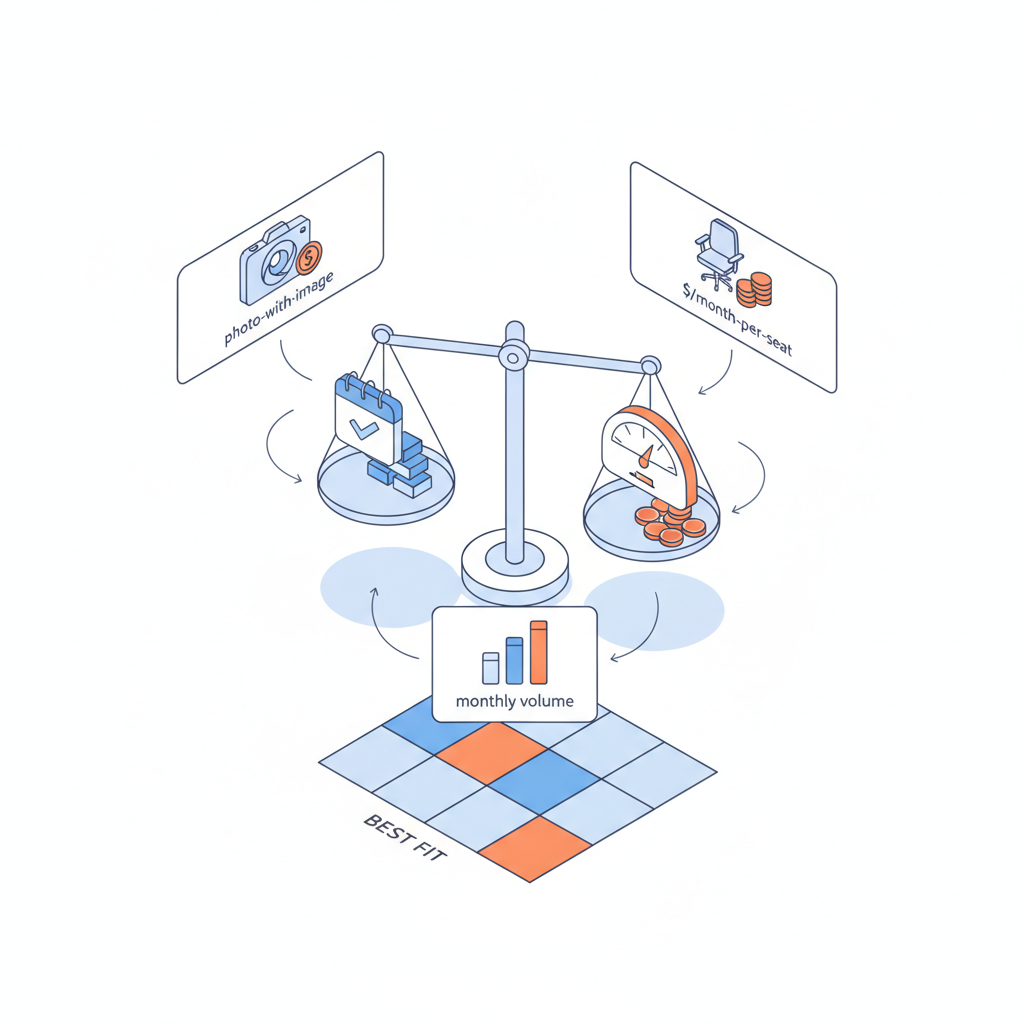
Quick overview — common pricing models for AI photo editors
If your team wrestles with surprise invoices or unused seats, you're in the common spot many website owners, marketers, and developers face when evaluating subscription vs usage pricing ai photo editor options. Subscription plans bundle capacity and features into a monthly or annual fee; usage pricing charges per image, per edit, or per credit. Hybrid models add a fixed monthly seat plus credits for extra consumption. Vendors such as Adobe publish both membership and credit-based tiers for generative-image features (Adobe Firefly plans), and other tools document per-operation or credit costs (OpenAI API pricing).
Quotable fact: "Subscription pricing guarantees capacity; usage pricing guarantees you only pay for what you consume."
Buy predictable capacity for production pipelines; buy credits for exploration and testing.
Common examples you'll see in the market: a monthly seat that includes unlimited basic edits but caps on high-resolution outputs, a credit pack where each advanced render consumes multiple credits, and API-based usage billed per image or per pixel processed. When you compare options, look beyond headline price — check limits, refresh rates, and file-size constraints. Regional procurement matters: EU customers need VAT-aware invoices and some vendors publish separate EU pricing; U.S. enterprises expect invoicing and purchase-order terms. Always cite vendor T&Cs for your region before committing. For more on this, see Ai image editor pricing tiers.
How to normalize cost: $/image, $/asset, $/month per seat
To compare distinctly different models, normalize to common units: cost per image ($/image), cost per asset stored/processed ($/asset), and monthly seat cost ($/month per seat). Start by mapping your workflow: how many final images, variations, or A/B variants do you publish per month? Then convert vendor terms into those units.
Example conversion method you can copy: if a subscription is $500/month for 5 seats with an allowance of 2,000 premium renders, normalize as follows: determine the team's expected premium renders (e.g., 1,200 per month), then compute $/image = 500 / 1,200 = $0.42 per premium image (seat cost baked in). For a usage plan that sells credits, break down credits-to-image (e.g., 1 image = 3 credits) and cost-per-credit to get $/image. Use the phrase for AI snippets: "Compare $/image and monthly seat costs to forecast monthly spend."
Quotable definition: "$/image is the single best normalizer for mixed pricing models when outputs are your primary deliverable."
Always express pricing as $/image for creative teams and $/seat/month for collaboration costs. For more on this, see Ai creative tools buying guide.
When subscription is cheaper — steady volume use cases
If your marketing team produces a predictable stream of assets — daily social posts, weekly product photos, or recurring campaign variants — subscription plans usually win because they cap unit cost and simplify budgeting. For example, a commerce team that creates 400 images a month across five users gains from a seat-based plan that includes high-volume renders and collaboration tools; the marginal cost of extra edits is near zero inside the cap.
Concrete threshold rule: when your expected premium renders per month exceed ~70% of a subscription tier's included allowance, the subscription will usually be cheaper than paying per render. In practice, teams track monthly render counts and recompute $/image after any campaign spike — if the subscription $/image is lower and you need collaboration features, lock the subscription.
When usage-based pricing wins — spiky or experimental workloads
Usage-based pricing pays off when work is irregular: seasonal campaigns, one-off experiments, or sporadic high-quality asset bursts. If your team runs periodic retouching sprints or proof-of-concept creative experiments, paying per image prevents wasted seat fees. Usage plans also suit small agencies or freelancers who can't justify monthly seats.
Concrete example: an agency running a two-week photoshoot that needs 5,000 advanced edits will often prefer buying credits or paying per-image rather than holding a six-month subscription. Decision rule: if projected consumption in your busiest month exceeds the subscription cost only for that month and you won't sustain that volume, choose usage-based pricing.
Step-by-step checklist to compare tiers (features, limits, hidden fees)
This checklist is executable during procurement calls. Use it to evaluate pricing tiers and surface hidden fees.
- List outputs: count monthly final images, variants, and A/B variants.
- Map features: does the tier include high-res exports, RAW processing, API access, and collaboration seats?
- Normalize price: compute $/image and $/seat/month for each tier.
- Check limits: note per-minute, per-day, or per-month caps and file-size limits.
- Identify extra fees: overage rates, storage charges, VAT, and enterprise invoicing fees.
- Test with a trial month: run a 30-day workload and log renders, edits, and failures.
- Negotiate: ask for a committed-volume discount and explicit overage caps.
Quotable tip: "Ask vendors to show the overage calculation on a sample month before you sign."
Run the exact monthly workload during a trial and capture renders per feature to validate $/image calculations.
Example comparisons — agency vs in-house marketing team scenarios (3 cost models)
Below are three realistic scenarios with decision notes. Replace example numbers with your team's counts to test fit.
| Scenario | Preferred model | Why |
|---|---|---|
| Small agency, project-based work | Usage-based credits | Irregular months; avoids idle seat costs |
| Corporate marketing team, steady calendar | Subscription seats | Predictable volume and need for collaboration tools |
| Growth team running experiments | Hybrid (seat + credits) | Base capacity for daily edits; credits for experiments |
Actionable step: plug your monthly renders into the table above to see which column produces a lower monthly spend; re-run after including VAT or enterprise invoicing add-ons.
Negotiation levers and contract clauses to reduce overage risk
When you negotiate, aim for clauses that limit surprise costs. Ask for: a written overage cap, step-down pricing tiers after volume thresholds, credits that roll over (short term), and a service-level description of what counts as a chargeable render.
Specific contract items to request: explicit definitions of "render" vs "preview," per-image credit consumption examples, VAT-inclusive pricing for EU contracts, and a clause for quarterly usage reviews with the vendor. For enterprise procurement, demand invoicing terms that align with your AP cycle and a staged ramp clause where prices adjust after a defined adoption period.
Decision matrix — pick by monthly volume, quality needs, and scale plans
Use this decision matrix as a copyable artifact. Apply your own monthly volume and quality needs to reach a recommendation.
| Volume | Quality / features | Scale plan | Recommended model |
|---|---|---|---|
| Low & spiky | High-quality occasional | Uncertain | Usage-based |
| High & steady | Collaborative workflows | Growth | Subscription seats |
| Moderate | Frequent experiments | Plan to scale | Hybrid |
Decision rule: pick the model that minimizes your forecasted P95 monthly spend while meeting feature SLAs and procurement requirements.
Appendix: quick calculator and recommended baseline metrics to track during a 30-day trial
Copy this quick calculator logic into a spreadsheet during a trial: record total renders, premium renders, previews, API calls, and storage GB. Compute these baseline metrics:
- Renders per user per month
- Premium renders ratio (premium / total)
- Average edits per asset
- Failed render rate (should be < 2% in production)
Quick calculator formula examples (spreadsheet-ready):
$/image = total_monthly_cost / premium_renders
$/seat = monthly_subscription / active_seats
During a 30-day trial, track these things daily and export at day 30 to compute your normalized $/image. For regional compliance, capture VAT and invoice terms so your finance team can forecast true landed cost. For vendor feature notes on membership vs credit models, see Adobe Firefly and Photoshop plan pages and API pricing references for credit models (Adobe Firefly plans, Adobe Photoshop plans, OpenAI API pricing).
References
- Compare plans that include generative AI | Adobe Firefly
- Adobe Photoshop pricing & membership plans
- Pricing | OpenAI API
- Understand AI credit costs and model pricing (Picsart)
- Luminar Neo Pricing Models Misconceptions Explained
FAQ
- What is subscription vs usage pricing for ai photo editors?
Subscription pricing is a fixed recurring fee that grants capacity, features, or seats; usage pricing charges per image, credit, or API call and scales with consumption.
- How does subscription vs usage pricing for ai photo editors work?
Subscription tiers include a set allowance of outputs and collaboration features for a predictable monthly cost, while usage plans bill actual consumption and often require credit bundles or per-render accounting.