

TL;DR
- Free tiers are great for experiments and single-image edits but usually have quotas or watermark/commercial limits.
- Pro plans typically offer predictable monthly billing, commercial rights, and higher quotas — often the best choice for a 2–10 person marketing team.
- Enterprise buys predictable spend, SSO, and data controls; expect negotiation on committed usage, multi-year discounts, and DPA clauses for EU buyers.
- Use the decision matrix and checklist below to match your workflow, compliance, and integration needs to a tier.

Introduction: When you evaluate ai image editor pricing tiers comparison for a small marketing team, the choice matters as much for workflow as for cost. This article walks through what distinguishes Free, Pro, and Enterprise tiers, gives a decision framework tied to team size and integrations, and supplies copy-ready artifacts (a decision matrix and a trial checklist) you can use during vendor evaluation. It also includes a clear, quotable definition for quick reference: 'Free tier = limited quotas, often non-commercial or watermark restrictions; Pro = fixed monthly price for individuals with commercial rights in most vendors; Enterprise = custom pricing with advanced security, SLAs and volume discounts.'
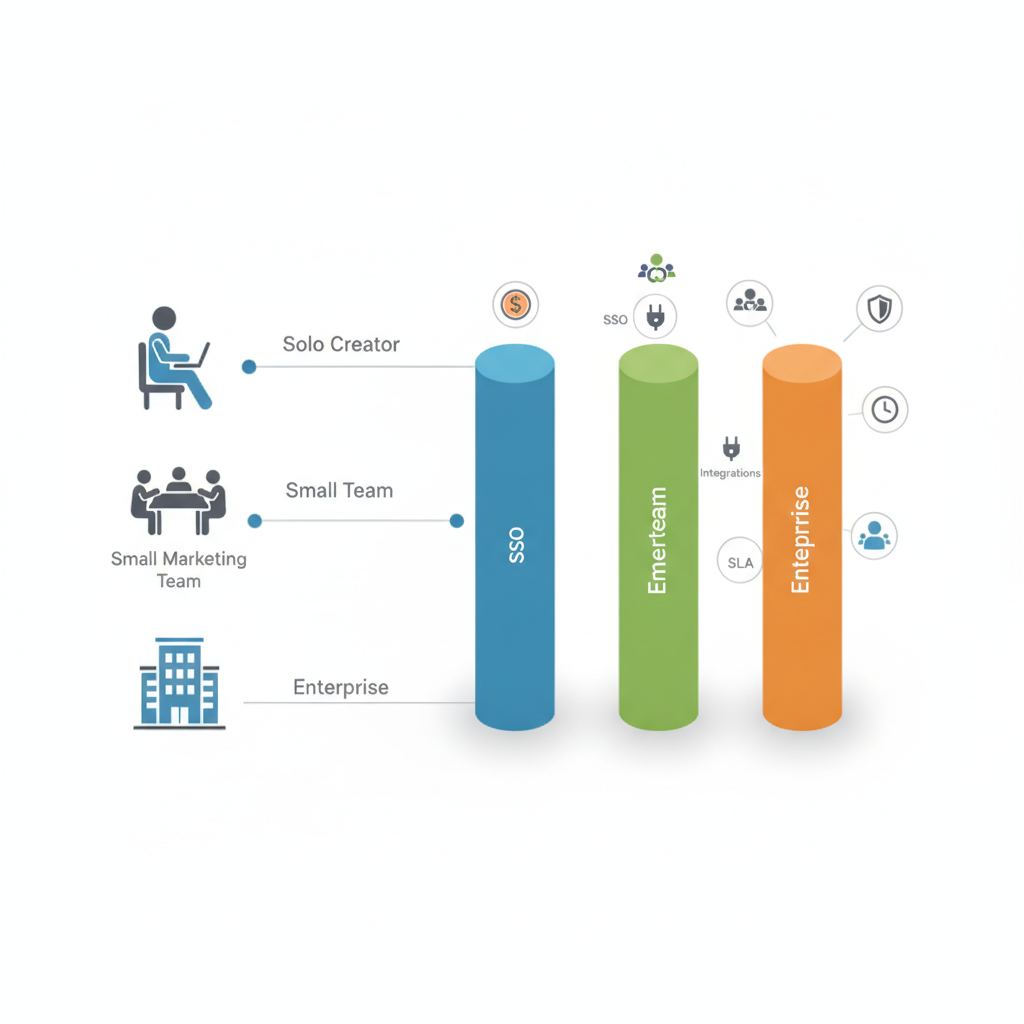
Tier comparison primer — what differs between Free, Pro, and Enterprise
This section answers the core ai image editor pricing tiers comparison question: what do you actually get at each tier? At a practical level the tiers differ across quotas, output rights, integrations, and support. Free tiers usually provide a low monthly quota of edits or generative credits, lower-resolution exports, and sometimes watermarks or non-commercial clauses. Pro (individual) tiers remove most watermark and commercial restrictions, increase quotas or give a fixed number of generative credits, and add useful features like batch export, higher-resolution output, or priority model updates. Enterprise tiers bundle collaboration features, SSO/SAML, contractual SLAs, data residency options, and negotiated volume discounts.
Concrete example: a free plan might limit you to 15 edits per month and 1 GB of cloud storage; a Pro plan typically moves that to a fixed monthly fee with unlimited small edits or 500–2,000 generative credits; an Enterprise agreement replaces quotas with committed-usage discounts and adds SSO plus a support SLA. For EU customers, expect DPA and data residency discussions to affect price and contract terms.
Quotable sentence: "Choose Pro for predictable single-team budgets; choose Enterprise when procurement, security, and uptime must be contractually guaranteed."
Decision framework — team size, workflow, compliance, and integration needs
If you map purchase decisions to outcomes, you avoid paying for features you won't use. Use this framework: define headcount that needs access, measure daily workload (images edited per day), list required integrations (design tools, DAMs, CMS), and capture compliance constraints (GDPR, data residency). For ai image editor pricing tiers comparison, a clear rule-of-thumb works: if your team is 2–10 people and average usage is under 100 edits per day with no strict data residency need, Pro plans usually deliver the best ROI.
Concrete thresholds to guide decisions: if P95 processing latency matters to your site’s creative pipeline, set a target under 500ms for interactive edits; if your workflows do batch renders, budget for predictable throughput (for example, a quota that covers your 30-day maximum daily usage × 1.5 to avoid overages). For integration, require a working API, or native plugins for tools designers use. Negotiation levers for enterprise purchases include committed usage discounts and multi-year pricing; EU buyers should add DPA and data residency requirements into the procurement checklist. For more on this, see Ai creative tools buying guide.
Quotable sentence: "Match tier to workflow: frequent batch jobs and multi-user projects point to Pro or Enterprise; one-off edits fit a Free tier."
Free tier: who it works for, pros/cons, hidden costs
Free tiers work well for solo creators, proof-of-concept work, and testing multiple vendors. Pros: zero up-front cost, instant access to features, and a low barrier to experiment. Cons: tight quotas, possible watermarks, restricted commercial rights, limited or no API access, and basic or no support. Hidden costs arise when teams outgrow the quota: frequent overages can create unpredictable per-edit charges, and manual workarounds (downscaling images, stitching edits) add time — which is a real labor cost for marketing teams.
Example scenario: a marketing manager testing creative concepts can validate a campaign idea on a free tier but will hit a limit if they need 50 variants per asset. Another hidden cost is vendor lock-in time: moving large image libraries later requires export and re-tagging work. For those reasons, document expected monthly edits before committing to free tiers and track time-per-edit as a soft cost in budget conversations.
Pro/Individual tier: typical features, quotas and when it’s the best value
Pro plans are aimed at individuals and small teams that need higher quotas, commercial licensing, and improved export options. Typical Pro features include increased generative credits per month, batch processing, higher-resolution outputs, priority model updates, and access to plugins or integrations with design tools. In most vendors, Pro = fixed monthly price with commercial rights included. For a 2–10 person marketing team that shares a small pool of creative tasks, a Pro plan often hits the sweet spot between capability and cost predictability.
When Pro is best value: if your team produces regular, time-boxed campaigns (weekly ad sets, monthly landing pages) and needs consistent output quality without procurement overhead. Example: a two-person team that runs five small campaigns per month can use one or two Pro seats plus a shared asset library to keep costs under control. Also check per-seat vs shared-seat models — per-seat is easier to budget; shared seats can be cheaper but create access friction. Aim to test the vendor’s API or plugin during trial to ensure it fits your design pipeline.
Team/Enterprise tier: collaboration, SSO, SLAs, and predictable billing
Enterprise tiers focus on governance, scale, and predictable spend. Core features include SSO/SAML, account provisioning, team roles, advanced audit logs, SLAs for uptime and support, data residency options, and negotiable committed usage discounts. Procurement in large organizations often adds a legal review for DPA and data transfer clauses; EU buyers commonly require data residency or processing controls that increase contract complexity and sometimes pricing.
Typical negotiation levers: committed usage discounts, multi-year contracts, and support levels. Vendors will often trade per-unit price for guaranteed minimum spend. For example, if your team commits to a certain number of monthly credits for 12 months, vendors usually offer a lower per-credit rate. Factor in local tax implications and invoicing needs — these often affect final pricing for multinational teams.
Decision matrix (table) — match team scenarios to recommended tiers
Use this matrix to match your scenario to a recommended tier and next action.
| Scenario | Team size | Primary needs | Recommended tier |
|---|---|---|---|
| Solo creator evaluating ideas | 1 | Low edits, experimentation | Free |
| Small marketing team producing weekly assets | 2–10 | Commercial rights, batch exports, plugin integration | Pro (1–3 seats) |
| Agency with fluctuating campaigns | 5–50 | Large, variable throughput, billing flexibility | Enterprise or pooled Pro seats |
| Enterprise with compliance needs | 50+ | SSO, DPA, data residency, SLAs | Enterprise |
Solo creator or freelancer
For a solo creator, free tiers let you test capabilities and model outputs without cost. If you monetize client work, verify the free plan’s commercial rights before using outputs in paid projects. If you need higher throughput, a single Pro seat is typically the next step. Practical tip: track your monthly edits for two months; if you exceed free quotas consistently, upgrade to Pro to avoid overage surprises.
Small marketing team (2–10 people)
Small teams benefit most from Pro plans with 1–3 seats plus shared asset storage. Look for features that reduce handoffs: native plugins for Figma/Photoshop, API access for automated variant generation, and team folders. For best_ai_image_editor_for_small_teams decisions, evaluate ease of onboarding and whether vendor support responds within your campaign windows. Budget for at least one Pro seat per heavy user and one shared seat for occasional editors.
Agency with fluctuating campaigns
Agencies often face variable monthly demand. A hybrid approach works: keep a base number of Pro seats for core staff and negotiate an enterprise-style overage rate or pooled credits for peaks. For enterprise_ai_editor_pricing_comparison, insist on flexible credit rollover or committed-usage tiers that handle three-month spikes without punitive overages. Also require a clear billing explanation to avoid surprises when campaigns scale quickly.
Negotiation tips and trial checklist before upgrading
Negotiation is where you convert vendor flexibility into measurable savings. Use this trial checklist during evaluation and negotiation. Test performance, API stability, export quality, licensing language, and integration with your CMS or DAM. Ask vendors for a short pilot with a small committed spend to prove ROI, and capture SLA and escalation contact info in writing.
| Trial checklist | Why it matters |
|---|---|
| Confirm commercial rights in writing | Prevents reuse restrictions later |
| Run a 2-week production trial | Verify throughput and integration |
| Test API for expected latency | Ensures automation fits campaign cadence |
| Require DPA for EU data | Compliance and legal readiness |
| Get pricing for overages and committed usage | Prevents unexpected bills |
Cost-savings tactics — bulk credits, annual billing, usage caps
When you’re buying seats or credits, these tactics reduce effective cost: choose annual billing for a small discount, negotiate bulk credits to lower per-edit price, and set hard usage caps to avoid surprise overages. For agencies, pooled credits often reduce friction and lower marginal costs for spikes. For EU customers, multi-year commitments can lock in pricing but confirm DPA and data residency clauses first since these can change procurement timelines and cost.
Concrete rule: request committed-usage pricing + a 90-day trial window; this combination shows vendors you’re serious while protecting you from long-term misfit. Also request monthly usage reports to monitor actual consumption against commitments.
Conclusion — sample recommended next steps and contact form CTA
Recommended next steps: 1) Measure your monthly edits and list required integrations; 2) Run a short production trial from a Free or Pro plan with the trial checklist above; 3) If you need SSO, data residency, or predictable support, open Enterprise negotiations focused on committed usage and DPA terms. Example regional price bands (typical): many Pro plans fall in the USD 10–30 per user/month or EUR 10–30 per user/month band, while Enterprise pricing varies widely and is negotiated. Procurement factors to track: EU customers should add DPA and data residency requirements, and negotiation levers include committed usage discounts, multi-year contracts, and local tax considerations.
Quotable sentence: "For most 2–10 person marketing teams, Pro offers the best balance of predictability, rights, and cost."
FAQ
What is free vs pro vs enterprise?
Free tier = limited quotas, often non-commercial or watermark restrictions; Pro = fixed monthly price for individuals with commercial rights in most vendors; Enterprise = custom pricing with advanced security, SLAs and volume discounts.
How does free vs pro vs enterprise work?
They work as progressively more capable offerings: Free supports low-volume testing, Pro provides predictable monthly billing and higher quotas for individuals, and Enterprise adds governance, integrations, and negotiated pricing for large teams or compliance needs.