

TL;DR
- Problem: Marketing teams waste days and budgets on slow video production with unclear vendor trade-offs.
- Quick answer: Define target outputs, test 3 vendors against pilot KPIs (time-to-first-cut, revision count, cost-per-minute, engagement lift), and use an automated brief->AI->human edit pipeline.
- Quotable: 'Use pilot KPI thresholds (e.g., 30% reduction in production time, <2 revisions per asset) to make scale decisions.'

If your team spends weeks turning a script into a single short video, you face a supply problem: speed and personalization at scale. AI video creation lets you draft high-quality clips faster than traditional editing, but tools differ sharply in realism, control, and rights. This guide shows how to run a focused pilot for ai video creation tools selection and build a marketing workflow that balances speed, brand control, and cost.
When NOT to pilot AI video tools
Do not pilot if you require guaranteed human talent likeness rights and a final cut that must be indistinguishable from filmed footage; if your assets must meet regulated content rules that cannot be validated automatically; if you lack at least one dedicated editor or producer to grade outputs; or if your expected volume is under three videos per quarter — manual workflows are cheaper at tiny scale. These limits reduce waste and exposure.
Why AI video creation matters for marketing teams in 2025 (speed, personalization, cost)
Without faster production, marketers lose moments: a product launch window, a trending social hook, or a paid campaign deadline. AI video creation tools selection solves that by automating drafts and variants. Compared with traditional editing (manual camera shoots, multi-day edits, talent booking), AI drafting can cut initial production time substantially for short-form social and landing-page videos. For more on this, see Ai tool selection for marketing teams.
Sample engagement uplift benchmarks to use as expectations: short-form social often sees a 10–30% lift in view-through rate when you test 3 personalized variants; landing page explainer videos typically improve conversion by a smaller but measurable amount, often 2–6% when the video is relevant to the page headline. These are typical-case ranges, not guarantees — validate on your own channels.
Definition for clarity: AI video creation produces video assets using generative models (text-to-video, image-to-video, synthetic voice) and templates; traditional video editing stitches recorded footage and human-performed edits. Use the former for scale and iteration; use the latter for high-fidelity brand films.
Core capabilities to evaluate (synthesis quality, templating, brand asset management, voiceover, music, rights)
When shortlisting, evaluate six capabilities in order of impact: synthesis quality (photorealism or stylized output), templating and variant generation, brand asset management (logo/colors/templates), synthetic voice and lip-sync, music selection with clear royalty terms, and rights for commercial use and likeness. Score vendors on each area using a 1–5 rubric.
Concrete example: if you need ten localized variants a week, prefer a tool with templating + batch render and native brand asset storage. If you run audio-first campaigns, require multi-voice TTS plus SSML support and model-release policies. For music, confirm whether the provider supplies royalty-free tracks or requires separate licensing per territory — music rights vary by country and can block distribution.
An AI prototype is production-ready only when failures are predictable, recoverable, and cheaper than the value the system delivers.
How to assess output realism vs editability trade-offs
Higher realism often reduces editability. Models that generate near-photoreal faces or complex motion may output files that are harder to tweak in a timeline. Editable pipelines expose layers, shots, and text cues; end-to-end realism pipelines return final MP4s. Choose based on where you expect manual touch-ups.
"Practical decision rule: if your campaign needs frame-level color grading or actor changes after draft, select a tool that exports layered project files or an XML/EDL. If you need speed and many micro-variants with minor text changes, pick an engine optimized for template renders. For example, teams usually use highly editable tools for product demos and faster-render, less-editable options for social variants, as highlighted in The Ultimate Guide to AI Tools for Marketing & Content Teams (2026)."
Pricing & licensing considerations unique to video (royalty-free music, talent likeness, commercial rights)
Video licensing has more moving parts than static images. Confirm commercial rights for distribution channels, check whether generated voices require model releases, and clarify royalty status for supplied music. Territory matters: a track that’s licensed for online ads in one country might need additional clearances elsewhere.
Use this checklist before signing a contract:
- Commercial distribution rights for global ads
- Explicit model/talent likeness clauses for synthetic faces or clones
- Music license type (royalty-free vs rights-managed)
- IP ownership of generated assets and derivative works
- Data retention and deletion policies for uploaded brand assets
Pilot KPIs for video tools (time-to-first-cut, revision count, cost-per-minute, engagement lift)
Define KPIs before you start. Core pilot metrics: time-to-first-cut (hours), average revision count per asset, cost-per-minute created (tool + human hours), and channel engagement lift (CTR, view-through, conversion). These metrics let you compare vendors empirically instead of on feature claims.
Concrete pilot targets to test for scale decisions: aim for a 30% reduction in production time versus your baseline and fewer than 2 revisions per asset for the pilot set. Track engagement lift by channel: expect higher relative uplift on short-form social and smaller uplift on landing pages; measure both. These pilot kpis ai video tools provide a clear decision boundary for rollouts.
Use pilot KPI thresholds (e.g., 30% reduction in production time, <2 revisions per asset) to make scale decisions.
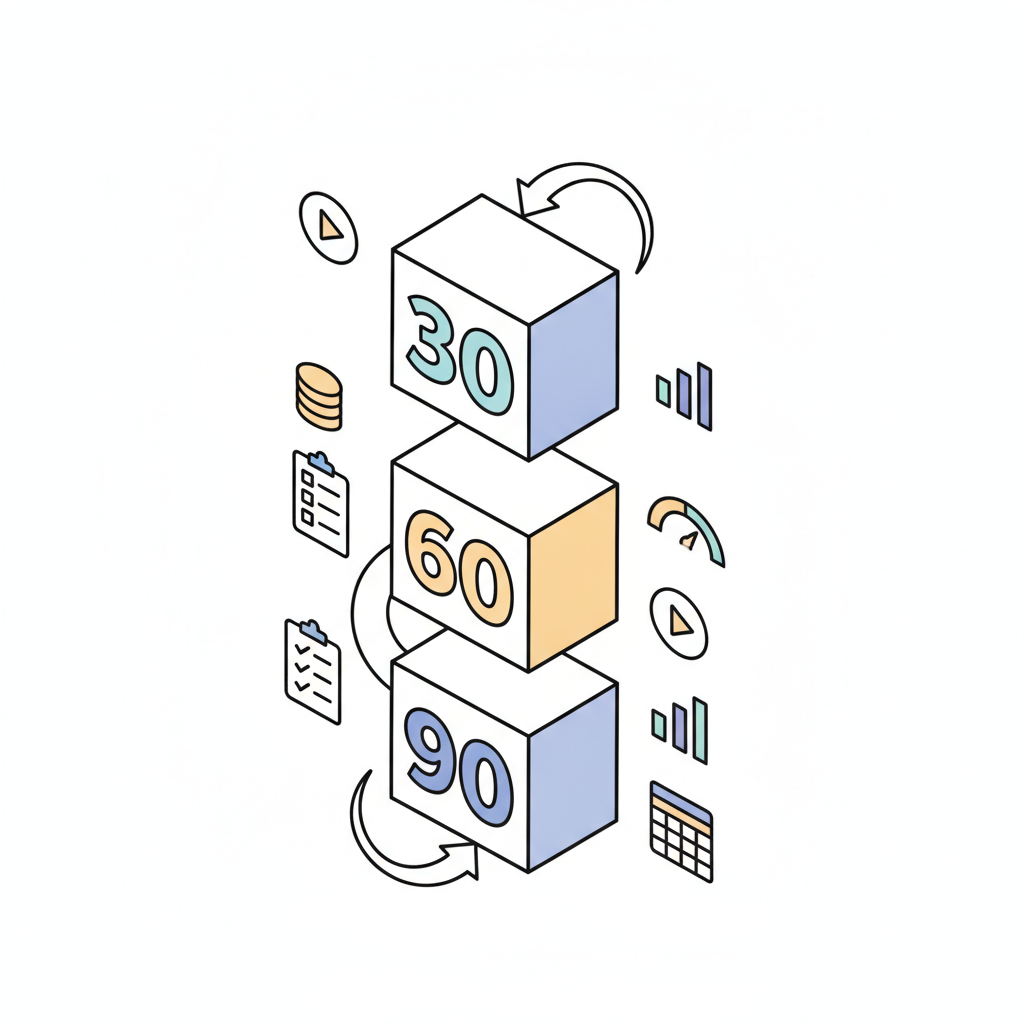
Example 30/60/90-day pilot plan with KPI thresholds
30 days: set scope — three asset types (short social, mid-form demo, landing explainer), baseline metrics for time and cost, and execute 6 test videos (2 each). Thresholds: time-to-first-cut <48 hours for social, revisions <3.
60 days: expand to 15 assets including localized variants, measure cost-per-minute and engagement lift. Thresholds: <30% production-time reduction vs baseline, >5% lift in CTR for at least one channel.
90 days: validate scale by running a small paid campaign with the best-performing variants and confirm ROI against cost-per-minute. If pilot kpis ai video tools meet thresholds, prepare procurement and integrations for a phased rollout.
Workflow architecture — recommended integrations (DAM, CMS, ad platforms)
A reliable workflow links your DAM (digital asset management), CMS, ad platforms, and analytics. Integration priorities: push rendered assets to DAM with metadata, publish landing videos to CMS as HLS/MP4 with captions, and feed variants into your ad platform with Creative IDs for measurement. Use ACIF or similar creative ID mapping to tag variations for attribution.
Integration example: render variants from the AI tool, store masters in DAM with revision history, and automatically populate ad platform creatives through the CMS or ad API. Typical friction points include metadata mismatches and caption timing — plan two small automation sprints to iron these out.
Automate asset movement and metadata tagging to prevent manual errors when scaling creative variants.
Sample automated pipeline: brief -> AI draft -> human edit -> distribution
Step 1: Create a short formatted brief in the template (objective, length, brand assets, tone, CTA). Step 2: Trigger the AI tool to produce three variants and automatic captions. Step 3: A human editor reviews, adjusts voiceover, and applies brand grade. Step 4: Push finalized file to DAM and schedule distribution on ad platforms and social. Automate handoffs with webhooks where possible to reduce queue time.
Budget template & expected spend bands for small/medium/enterprise teams
Budget depends on render volume, feature tier (batch renders, API access, enterprise SLAs), and human editing costs. Use the table below as a planning artifact — substitute your vendor quotes for accuracy.
| Team size | Monthly videos | Estimated tool spend band | Human editing (hours/month) |
|---|---|---|---|
| Small | 1-10 | Low | 8-20 |
| Medium | 10-50 | Medium | 40-100 |
| Enterprise | 50+ | High | 100+ |
For an ai video editor pricing comparison, collect per-minute render costs, API call pricing, and enterprise integration fees. Then compare total cost-per-minute including human editing to decide whether to insource or keep vendor-managed rendering.
Case examples: short-form social campaign, product demo video — metrics and lessons
Short-form social campaign: test three headlines per 15-second variant and measure view-through rate and click rate. Lesson: small headline changes drove the largest lift; batch variant generation made testing feasible within budget.
Product demo video: used a more editable tool to swap product screenshots and voiceover without reshooting. Lesson: pick editability when product details change frequently; the ability to export layered timelines saved two days per update.
Vendor shortlist cheat-sheet & demo questionnaire for 1-hour trials
Cheat-sheet: shortlist three vendors that cover your highest-priority capabilities (templating, rights, batch renders). For 1-hour demos, use this questionnaire: can you export layered project files? what are music licensing terms by territory? do you offer API access and batch rendering? what are retention and deletion policies for uploaded brand assets? Request a sample render using one of your real briefs.
- Checklist for demos: sample asset render, templating test, voiceover sample, rights confirmation, export options.
Conclusion & downloadable pilot workbook
This process reduces guesswork: pick a clear scope, measure pilot KPIs, and let thresholds decide whether to scale. Use the artifacts above (checklist and budget table) to run a 30/60/90 plan and measure pilot kpis ai video tools objectively. Quotation-ready line: 'Use pilot KPI thresholds (e.g., 30% reduction in production time, <2 revisions per asset) to make scale decisions.'
FAQ
- What is ai video creation tools? AI video creation tools are software platforms that generate or assemble video content using generative models, templates, and automated workflows; they differ from traditional video editing by producing drafts programmatically and enabling batch variant generation for marketing.
- How does ai video creation tools work? These tools accept structured input (text brief, images, brand assets), run synthesis engines (text-to-video, TTS, or template rendering), and output drafts for human review; typical pipelines add captions, metadata, and delivery steps to integrate with DAM/CMS and ad platforms.